
Read and make outlines
Browse by publication and chapter. Highlight policy text to create outlines and manual flashcards.
PolicyVector Mobile
Read offline, listen to outlines, and practice flashcards, tests, and Oral Board responses. Import your PDFs on mobile or connect to your desktop library.
Try it first. Open the fictional Demonstration Mode without a licensed account to explore outlines, flashcards, tests, and basic Oral Board practice.
$35 USD / year · one individual cross-platform license.Does not renew automatically. Bring your own policy PDFs. Optional OpenAI API usage uses your own key and is billed separately.
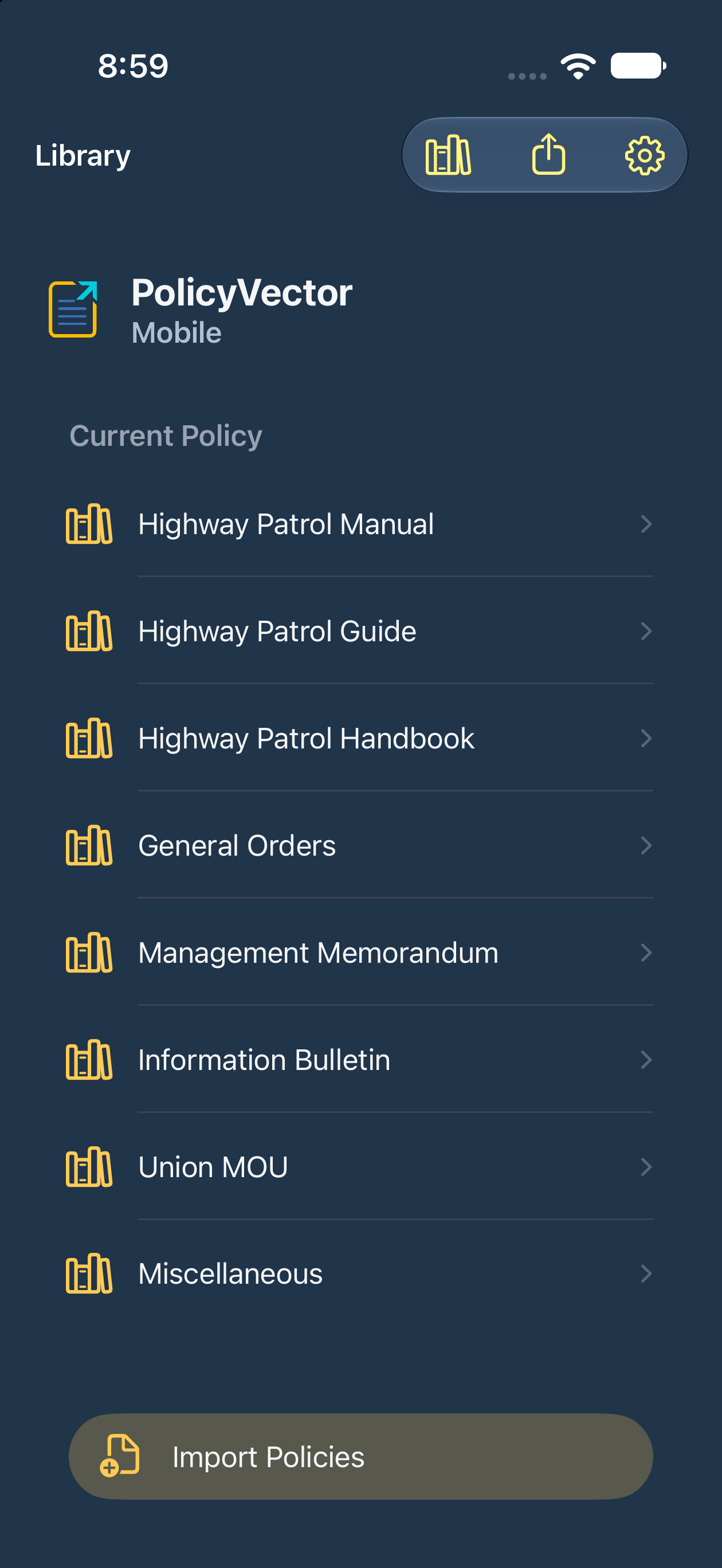
Browse by publication and chapter. Highlight policy text to create outlines and manual flashcards.
Work through flashcards and multiple-choice tests. Keep track of your progress and previous attempts.
Play outlines and Oral Board scripts with native readback or compatible bundled audio. Use scripts and checkpoints to practice your answers aloud.
Import PDFs or download synced policies for offline reading. Use cloud AI test generation with your OpenAI key and eligible non-confidential or approved redacted sources.


PolicyVector is available on iPhone and iPad. Compare Mobile 2.0 with the desktop apps for Windows and Mac.
| Feature | Desktop | Mobile |
|---|---|---|
| Everyday study | ||
| Read policies offline | ||
| Create outlines and flashcards by hand | ||
| Practice flashcards and tests | ||
| Oral Board practice | ||
| Listen to outlines and scripts | ||
| Encrypted Live Sync | ||
| Share encrypted study bundles | ||
| AI tests with cloud AI | ||
| Redact policy PDFs | ||
| Export Word and Excel files | ||
| Desktop tools | ||
| AI-generated flashcards | ||
| Import flashcards from Excel or Google Sheets | ||
| AI tests and flashcards from confidential policies | ||
| Choose AI models by feature | ||
| Local AI on your computer | ||
| Advanced text recognition (OCR) | ||
| Adjust text recognition settings | ||
| Export to Google Docs or Sheets | ||
| Back up and restore your library | ||
Desktop Local AI can work with unredacted confidential policies on supported computers. Mobile cloud AI uses non-confidential or approved redacted sources. Cloud AI requires your OpenAI key and separately billed API usage.
Live Sync requires compatible versions. Study-bundle sharing depends on agency support. Word and Excel exports also work with Apple Pages and Numbers.
Desktop release history · Mobile release history · iOS release notes
Download the app and open Demonstration Mode to try it.